› Documentation
Getting Started with Openbots Cloud
Follow these simple steps to deploy your own secure OpenInterpreter agent in minutes.
1
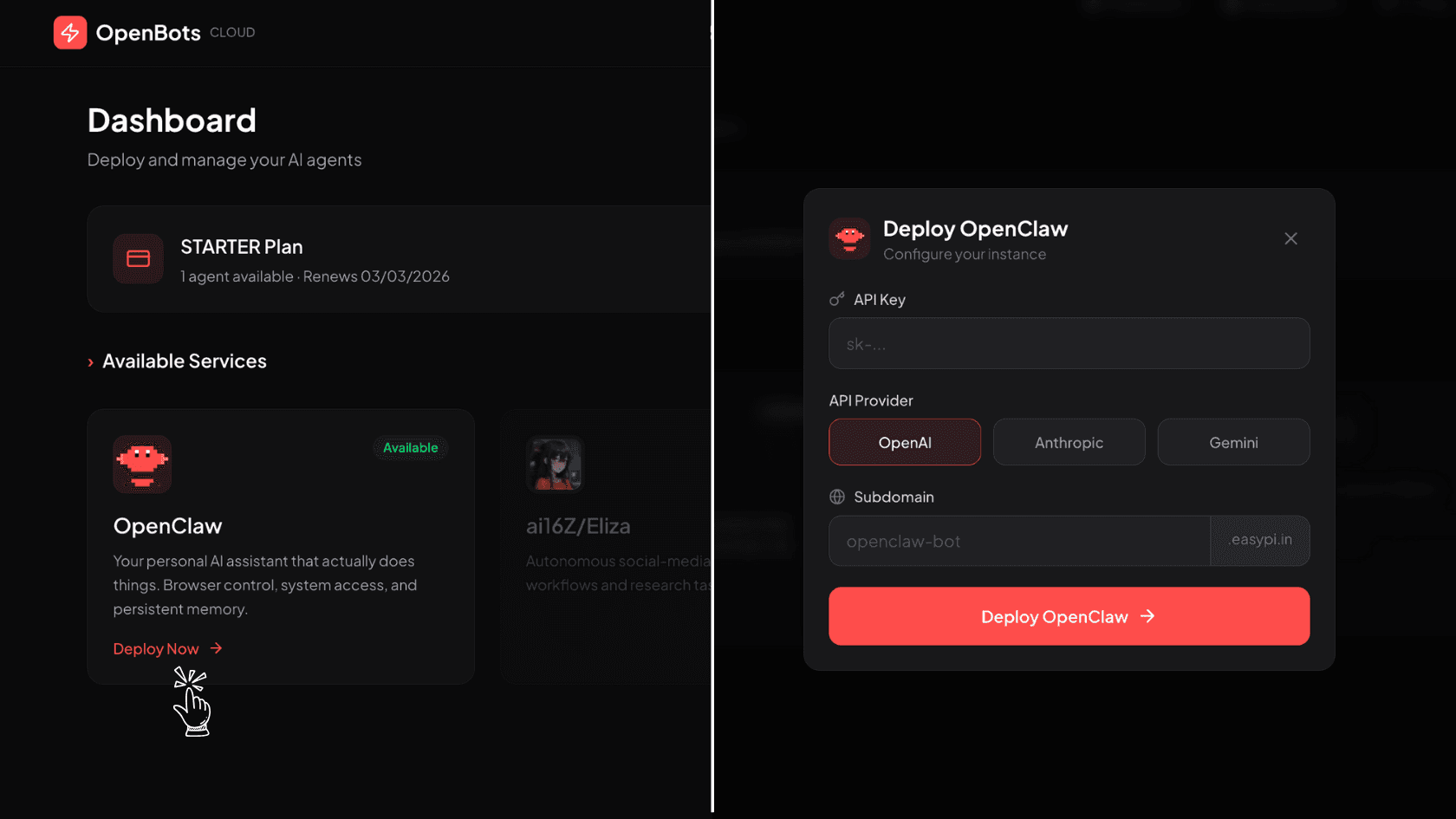
Create a Deployment
From your dashboard, click on Deploy and choose your preferred AI provider (OpenAI, Anthropic, or Gemini). Enter your API key securely to start setting up your AI agent.
2
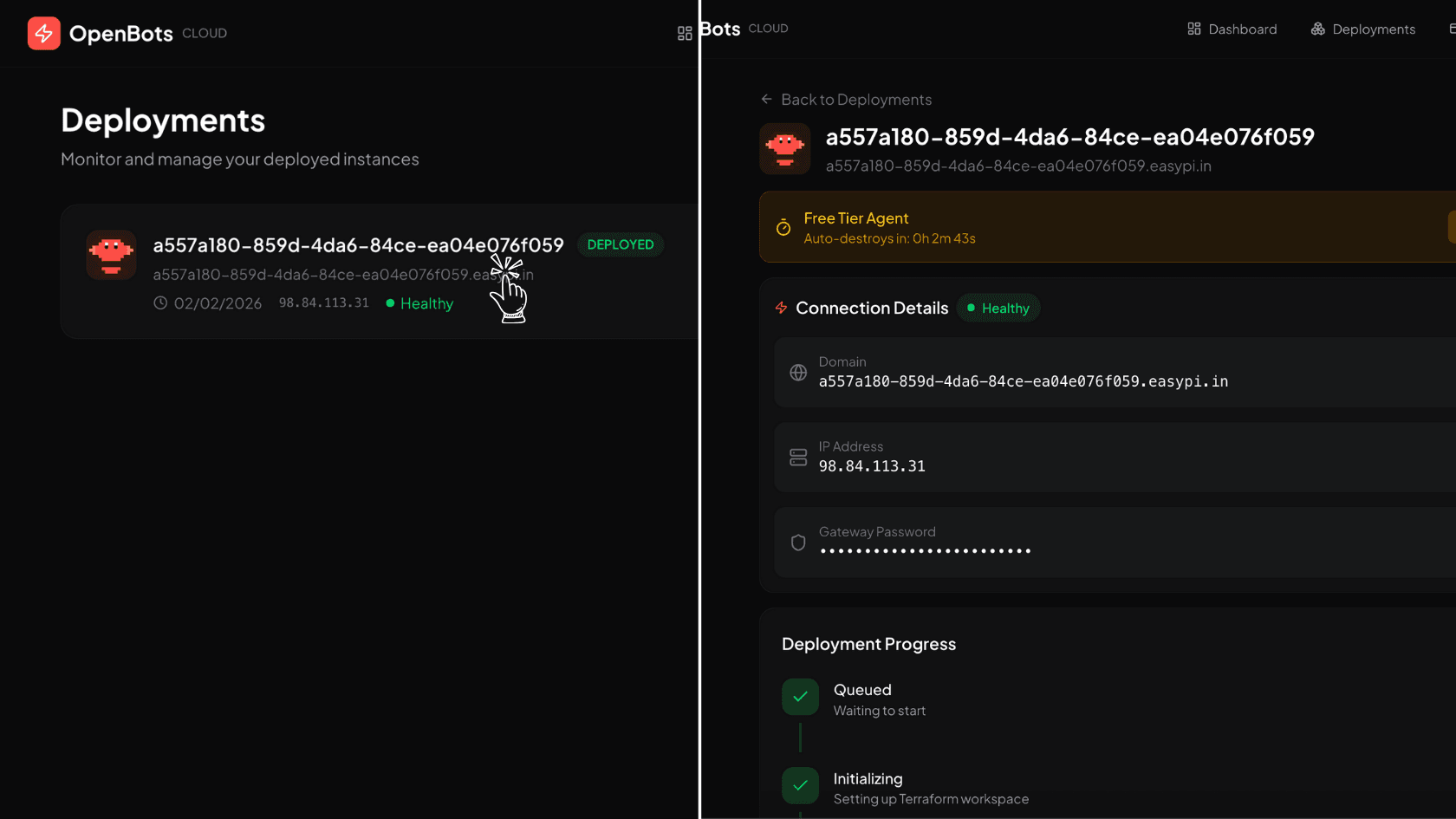
Manage Your Deployment
From the Deployments page, you can manage all your agents. Clicking on any agent will open its detailed view.
3
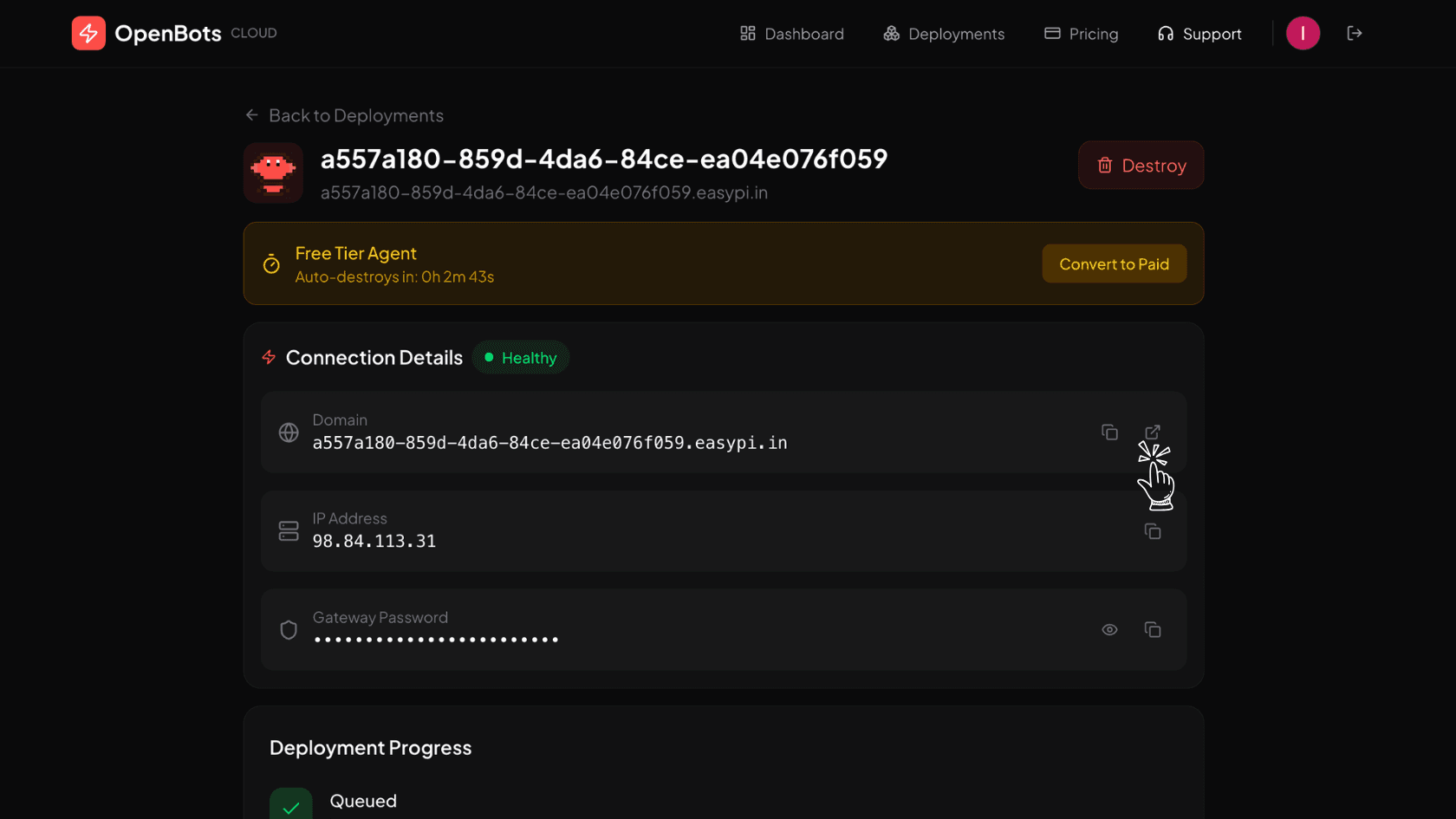
Access Your Deployment Dashboard
Use the link button to open your agent. From the details page, you can view the agent status, manage configuration, and destroy the agent if required.
4
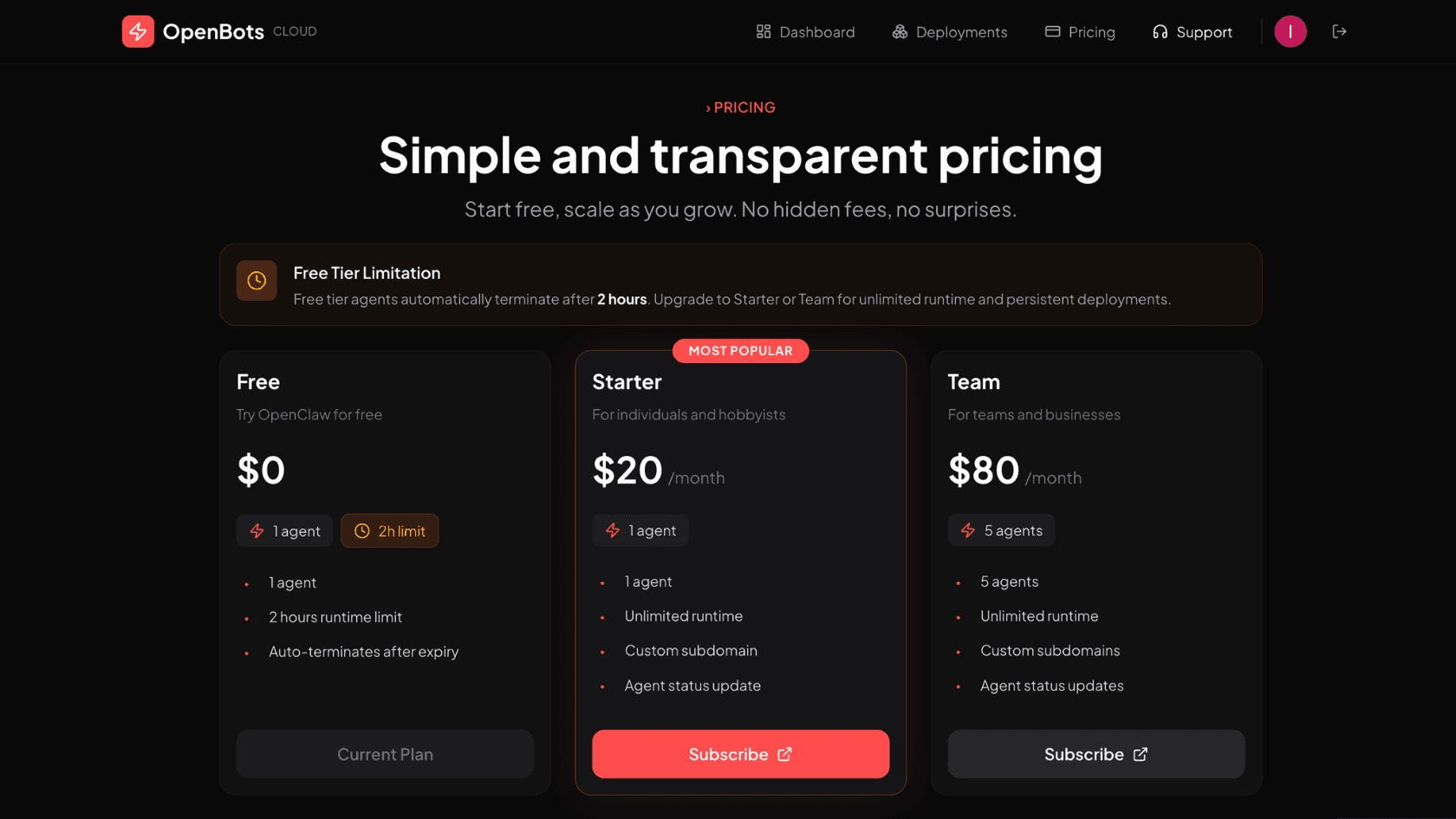
Pricing
Manage your subscriptions from the Pricing page. Simple and transparent pricing with the flexibility to cancel anytime.